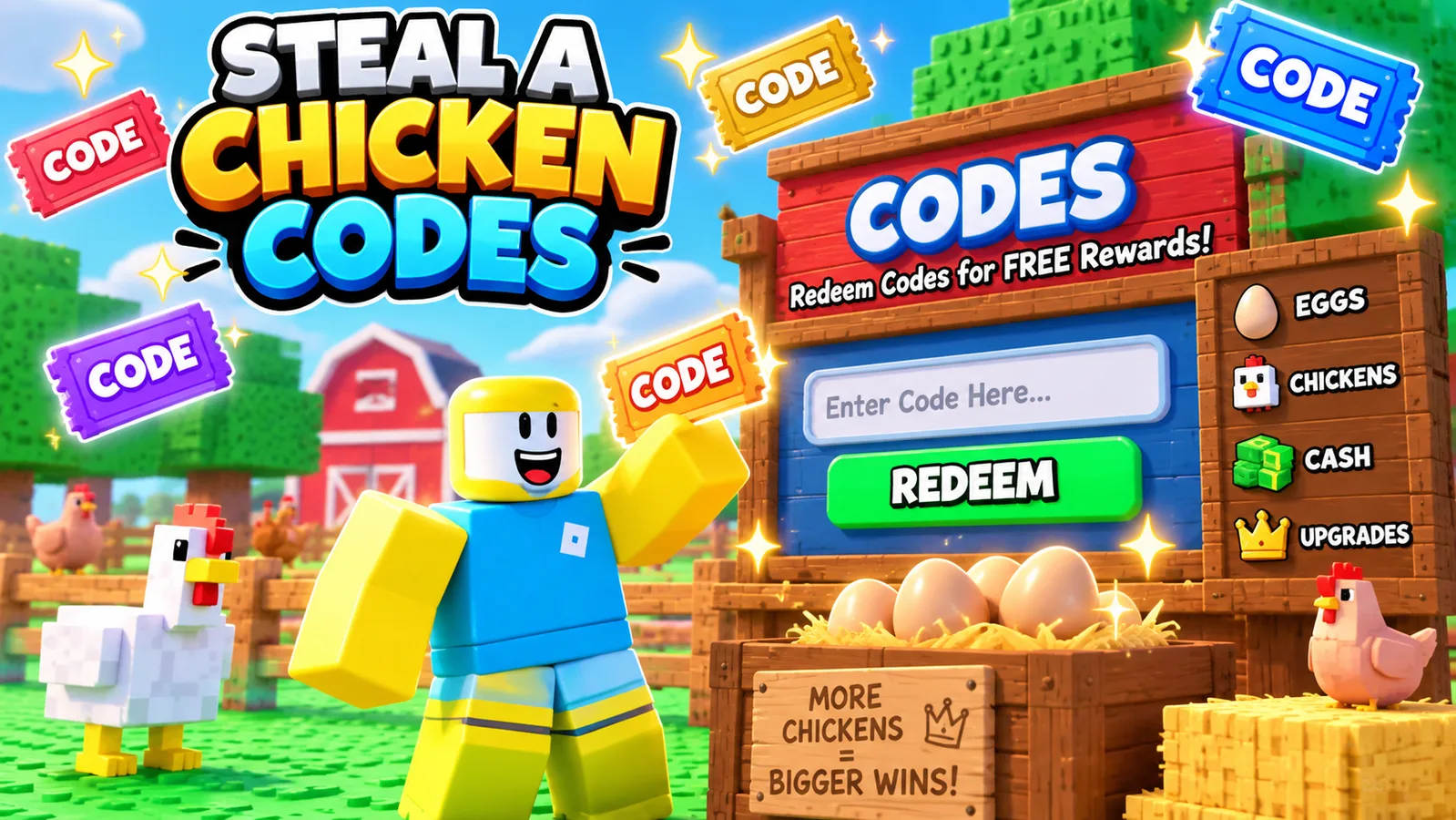
Short answer: redeem the codes the description currently highlights — Relax, Candy, ufo, and CantWait. Open Shop, scroll to the Codes section, paste the code carefully, and hit Redeem. Then use the bonus to speed up your first merchant and treadmill loop.
Active codes
| Code | Status | Where it came from | Best time to use it |
|---|---|---|---|
| Crystal | Listed Sep. 13; no longer highlighted | Official description, September check | Still worth trying; verify in-game |
| Relax | Officially listed | Current live game description | Redeem before spending your first money batch |
| Candy | Officially listed | Current live game description | Use before you begin treadmill-heavy training |
| ufo | Officially listed | Current live game description (Oct. 7) | New since the September check |
| CantWait | Officially listed | Current live game description (Oct. 7) | New since the September check |

Reported codes not shown in the live description
There is a source mismatch right now. The official description checked on Sep. 13 listed Crystal, Relax, and Candy; the description checked on Oct. 7 highlights Relax, Candy, ufo, and CantWait. Third-party code trackers also report September and Release — treat those as reported rather than officially confirmed here unless a newly checked description lists them.
| Code | Reported reward | Status on this site |
|---|---|---|
| September | Money | Reported by multiple trackers; verify in-game |
| Release | 100,000 Money | Reported by multiple trackers; verify in-game |
How to redeem codes
- Launch Steal a Chicken in Roblox.
- Look to the left side of the screen and open Shop.
- Scroll down until you reach the Codes section.
- Type the code exactly as shown. Capitalization can matter.
- Press Redeem and confirm the reward landed in your account.
If a code is not working
- Try again without extra spaces before or after the word.
- Check your capitalization. Roblox code systems often reject near-matches.
- If the code was live earlier and stopped later, it likely expired or the developer pulled it.
- If the game just updated, rejoin once before assuming the code is dead.
Best use for code rewards
Don’t burn free value randomly. The strongest early use is to make your first few loops smoother: cash into the merchant cycle, speed into treadmill value, and any utility bonus into safer egg trips. The point is not the one-time reward itself. The point is the faster snowball.